
A platform you control.
Room for everyone.
Ring multiple devices at once, connect different kinds of clients, and bring callers into the same video room.
More on calling and video
Nothing hidden, most things configurable.
The platform holds no business rules of its own. Your organization decides them, and you can watch them work.
Configure
Roles are yours
Name the roles your team uses, decide what each one may do, and whether its people join a call muted.
A plan for every number
Ring for as long as you choose, then hang up, take a message after a greeting, or play a recording. Owners set their own number; admins set any.
Queues
Point a number at a queue and it rings whoever is free. You choose who is in it and what callers hear while they wait.
Your own domain
Other phone systems reach your numbers at an address on a domain you own.
Connected to your software
Your own systems hear about every call as it happens, and can place calls with a key of their own.
Devices, per person
Each person picks their own camera, microphone and speaker in their browser preferences.
See
Call quality at a glance
A call's info button shows the audio and video it agreed on, and flags a stream that isn't arriving.
Every call in progress
See which calls are happening across the organization right now, and who is on each one.
Reports you can download
Filter calls by date and download the rows you see as a spreadsheet: ring time, queue wait, duration, direction, and who was on the call.
Who is available
Roles you allow see who is online, idle, on do not disturb, or already on a call.
Messages and recordings
A caller with a camera leaves a video message; anyone else leaves audio. They play right in the app, for the people allowed to see that call.
Your name, not ours
Calls, certificates and web responses carry your product, not the name of the software underneath.
Desk phones and browsers, on the same call.
Keep the desk phones, softphones and phone lines you already have. Browsers and mobile apps on iOS and Android join them. Everyone rings on the same numbers and meets in the same call, and the platform carries voice and video between them.
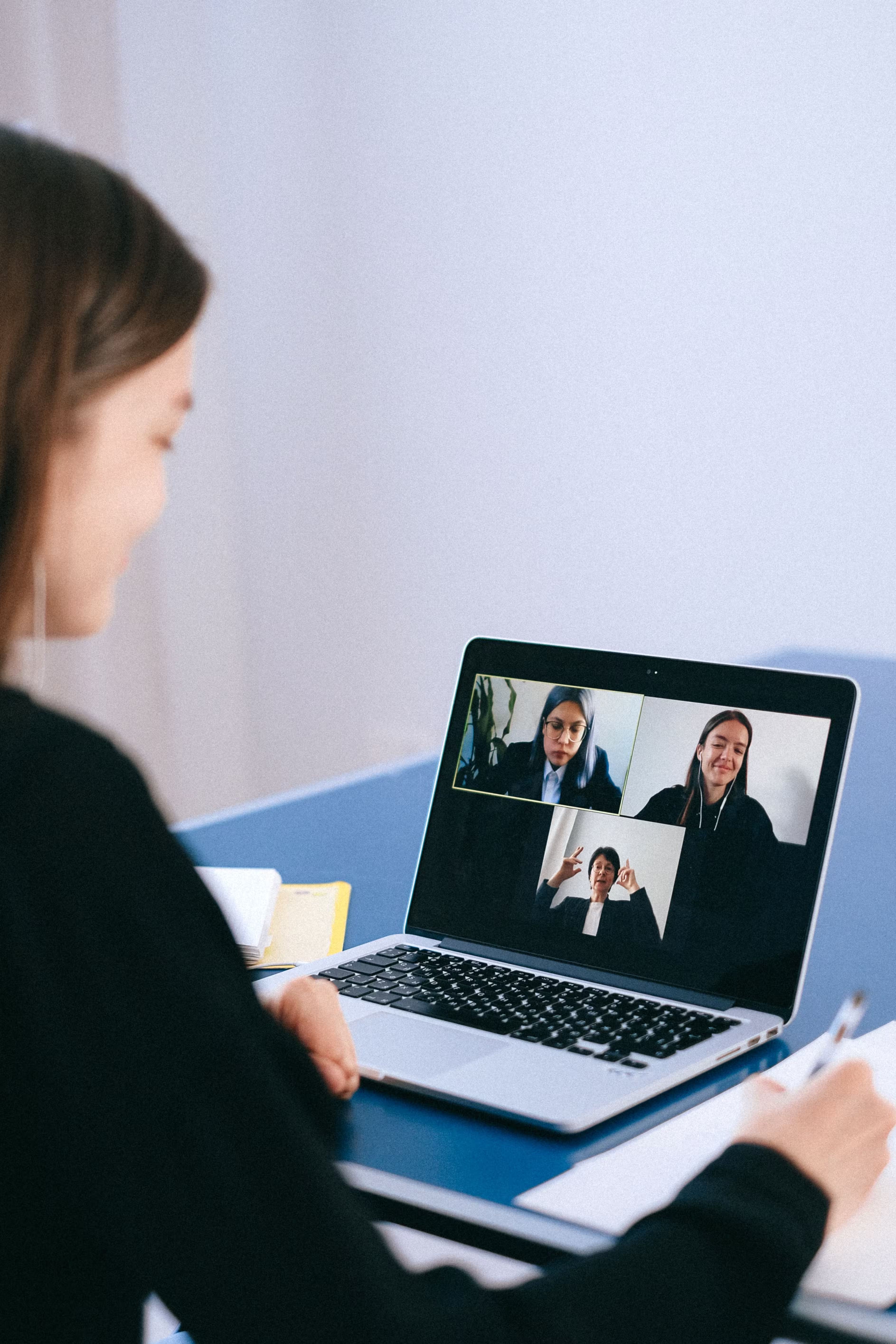
See everyone in the room.
A call becomes a room the moment a third person joins. Every camera is combined into one picture, so even a desk phone that shows a single stream sees the whole call. Join muted, unmute when it is your turn, leave without ending the call.

Answer from any device you choose.
The same number rings a desk phone at the office, a softphone on a laptop, and a browser tab at home. Whoever answers first takes the call, and the others stop ringing. Calls that nobody answers leave a message you can play from your mailbox.

Take your number with you.
A mobile app connected to the platform rings on the same number as the phone on your desk, and a phone asleep in a pocket is woken to ring. Answer on whichever is closest.
Every setting, in one place.
Users, roles, numbers, queues, and settings are yours to change. Every change takes effect on the next call.
- Users and roles
- Add people, name the roles, and decide what each role may do and how it joins a call.
- Numbers and queues
- Add numbers, assign them, set what happens when nobody answers, and choose who answers a queue.
- Settings
- Your domain, the keys and address your own software uses, and the look of your sign-in page.
Set up your organization.
Create your admin account, add a number, connect a phone, then tune the rest to fit how you work.